


Price: $34.59 - $29.99
(as of Dec 23, 2025 02:29:26 UTC – Details)
Product description
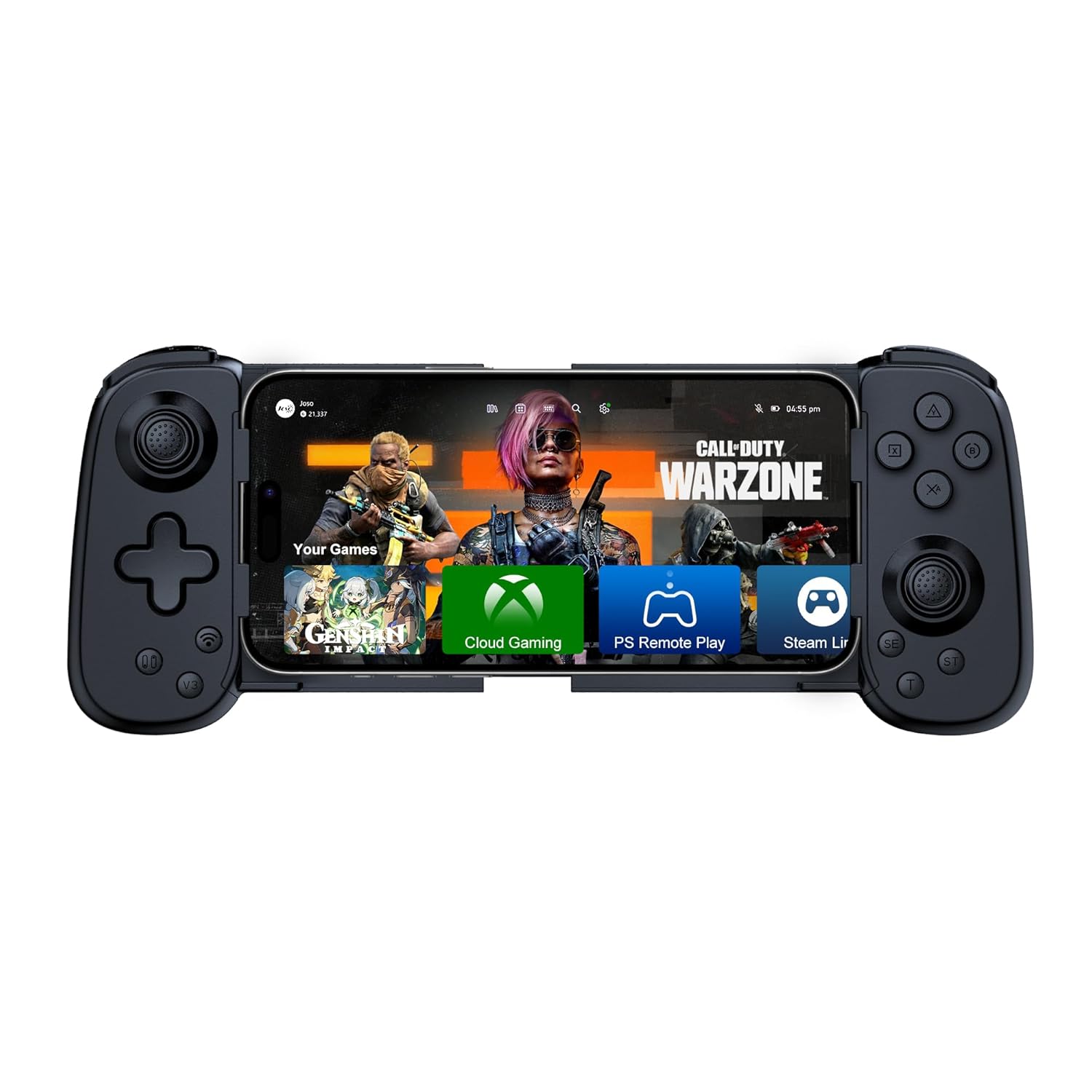
Joso Mobile Gaming Controller for iPhone/Android/PC/Switch/PS4/PS3 Direct Play
The video showcases the product in use.The video guides you through product setup.The video compares multiple products.The video shows the product being unpacked.
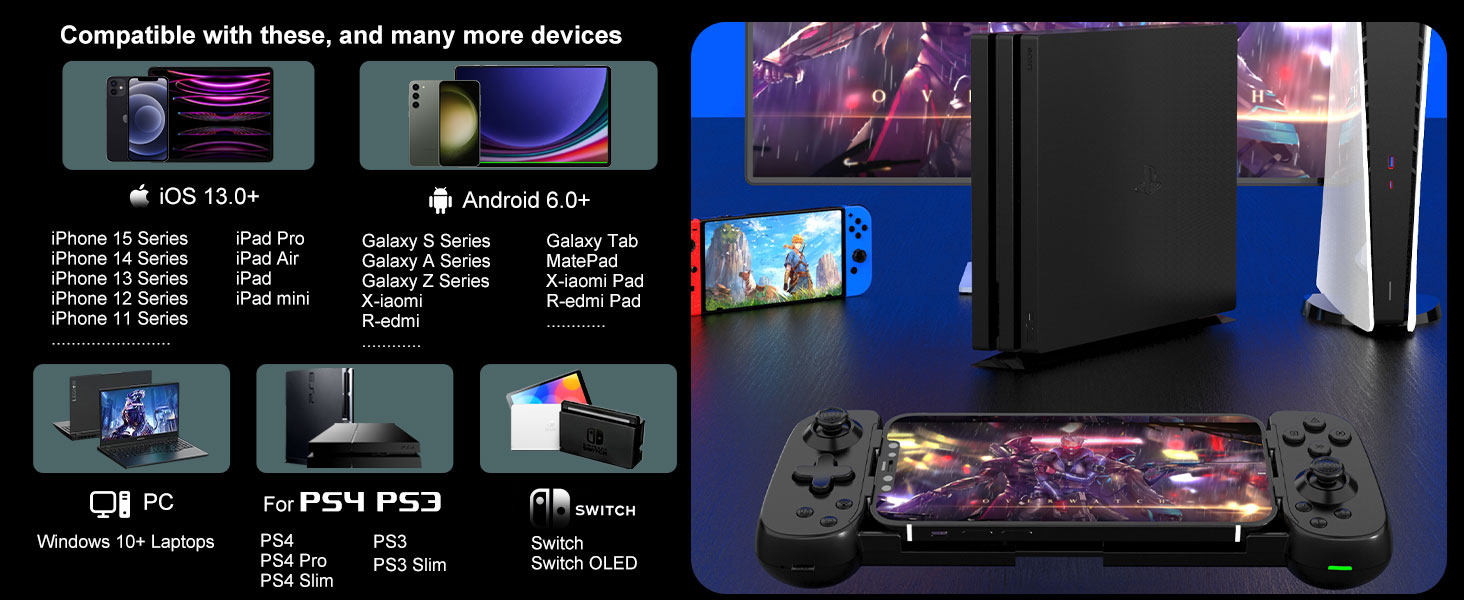

Joso Phone Game Controller Connection Guideline
The video showcases the product in use.The video guides you through product setup.The video compares multiple products.The video shows the product being unpacked.
Controller for iPhone/iPad/Mac Play directly on your iPhone, iPad
How to Connect to iOS
Press the ‘Bluetooth’ key for 5 seconds to boot the controller.Turn on the Bluetooth connection ‘Xbox Wireless Controller’ on your iOS device.Start Playing. (After connection, you also can play cloud games via Cloud Gaming Apps.)
The video showcases the product in use.The video guides you through product setup.The video compares multiple products.The video shows the product being unpacked.
Controller for Android Phone/Tablet Play directly on your Android phone, Tablet
How to Connect to Android
Press the ‘Bluetooth’ key to boot the controller, then turn on the Bluetooth connection ‘Xbox Wireless Controller’ on your Android device. (After connection, you also can play cloud games via Cloud Gaming Apps.)For different games, Android has a second controller boot mode:
Press the ‘N·S’ key to boot the controller, then turn on the Bluetooth connection ‘Pro Controller’ on your Android device.
The video showcases the product in use.The video guides you through product setup.The video compares multiple products.The video shows the product being unpacked.
Wireless Controller for Nintendo Switch Play directly on your Switch, Switch OLED
How to Connect to Nintendo Switch
Open the Switch Console – System Settings – Controllers and Sensors – Change Grip/Order page.Press the ‘N·S’ key for 5 sec to boot the controller.The controller will automatically connect to the console. (‘N·S’ key is also the ‘HOME’ key)
The video showcases the product in use.The video guides you through product setup.The video compares multiple products.The video shows the product being unpacked.
Game Controller for PS4, PS3 Play directly on your PS4, PS3
How to Connect to PS4
Connect the controller to the PS4 console with a Type-C cable.Press the ‘Bluetooth’ key to boot the controller, the controller will automatically connect to the console.Once the connection has done, you can unplug the Type-C cable to turn the controller into a wireless game controller. Supports streaming PS5/PS4 console How to Stream PS5 or PS4 via PS Remote Play on iOS/Android
Be sure to have the following items handy before getting started.
1) iOS or Android mobile device. 2) PS4 or PS5 console.
3) Joso Mobile Controller. 4) Internet connection.
5) PS Remote Play app.
Supports streaming Xbox console, PC How to Stream Xbox or PC via Xbox mobile app or Steam Link on iOS/Android
Be sure to have the following items handy before getting started.
1) iOS or Android mobile device. 2) Xbox Series X, S, Xbox One console or gaming PC with Steam installed.
3) Joso Mobile Gaming Controller. 4) Internet connection.
5) Xbox mobile app or Steam Link app.
Why I can’t turn on the new gamepad?
Please charge the gamepad for about 3 hours before use.
Why doesn’t my mobile game work?
If the game you are playing is not inside our game list and you don’t know whether it supports controller mode or not, we recommend you to ask us before you buy it and we will reply you within 24 hours.
Why is the gamepad connected to PS Remote Play, but it does not work?
Please upgrade the controller via ‘ShootingPlus V3’ app on your Android device.
Why don’t some of the buttons work when connected?
Please forget bluetooth on your phone, then reset the controller and reconnect bluetooth.
Why are some of the buttons not working when playing games on my android phone? (The game supports controller mode)
Hello, there are two types of Bluetooth connection for Android, if you use the first type of connection (Bluetooth key) does not work, please use the second type of connection (N-S key), please follow the instructions to connect.
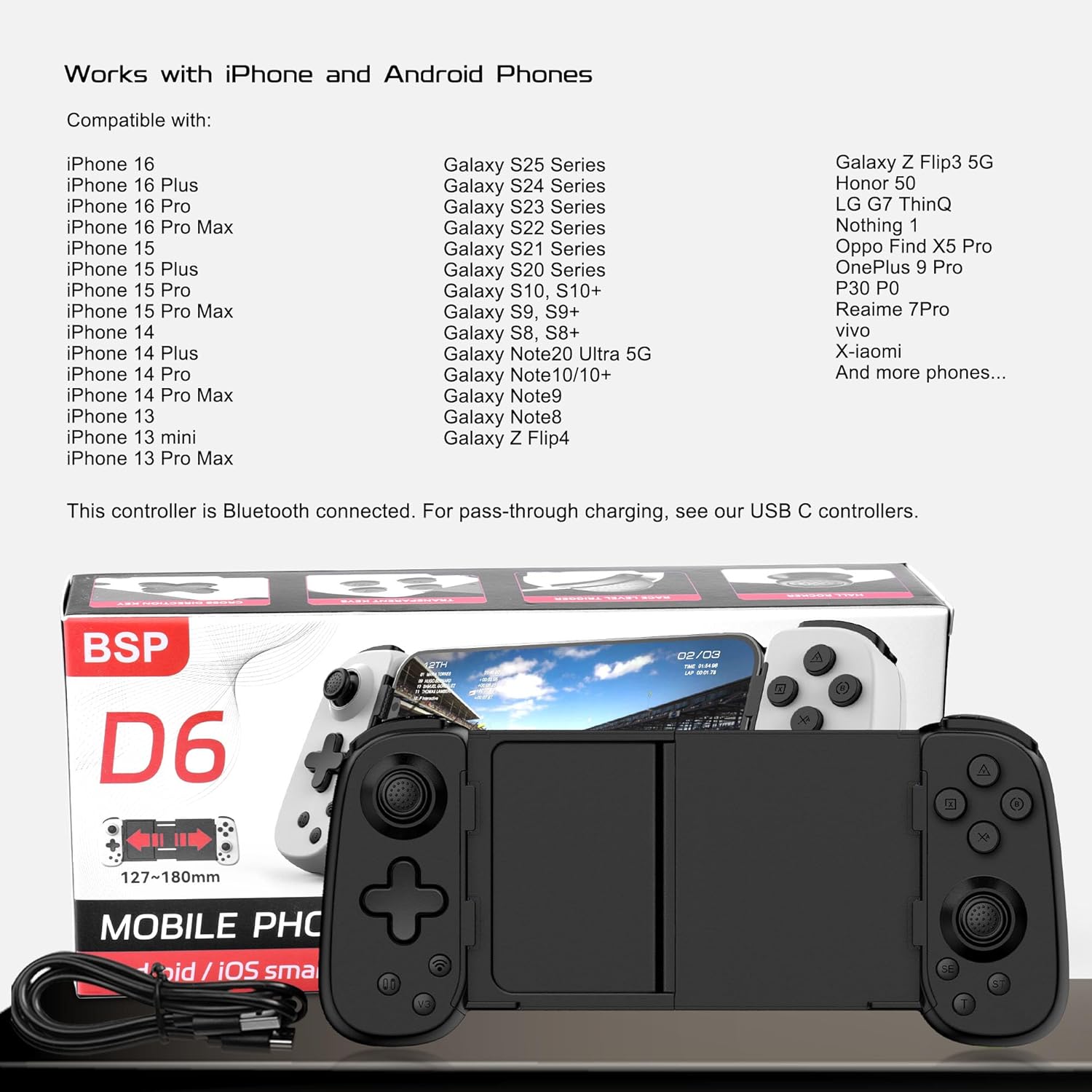
Universal Compatibility: The phone gaming controller works seamlessly with iPhone & Android phones, including iOS 15+/Android 10+; Completely suitable for the full range of iPhone 16/15/14/13 and so on; Bluetooth controller for android is compatible with Galaxy S series, Galaxy A series & more Android smartphones
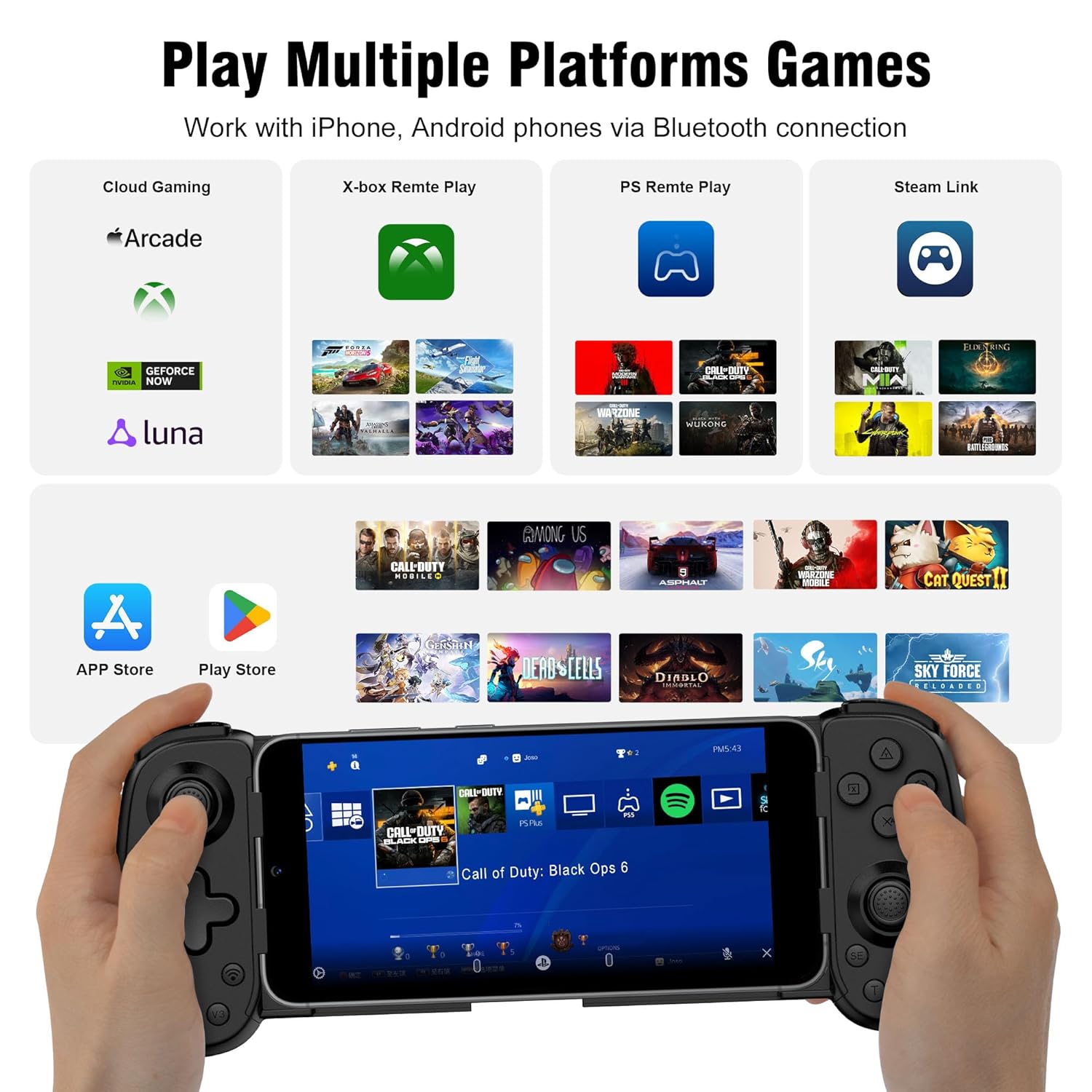
Multi-Platform Support: Play any controller supported APP games, and the controller for iPhone & Android is designed to enjoy unstoppable gaming experience, support nearly all cloud gaming services including Game Pass, PS Remote Play, Steam Link, GeForce NOW, MFi Arcade & hundreds of popular mobile games like Call of Duty, Roblox, Fortnite, etc.
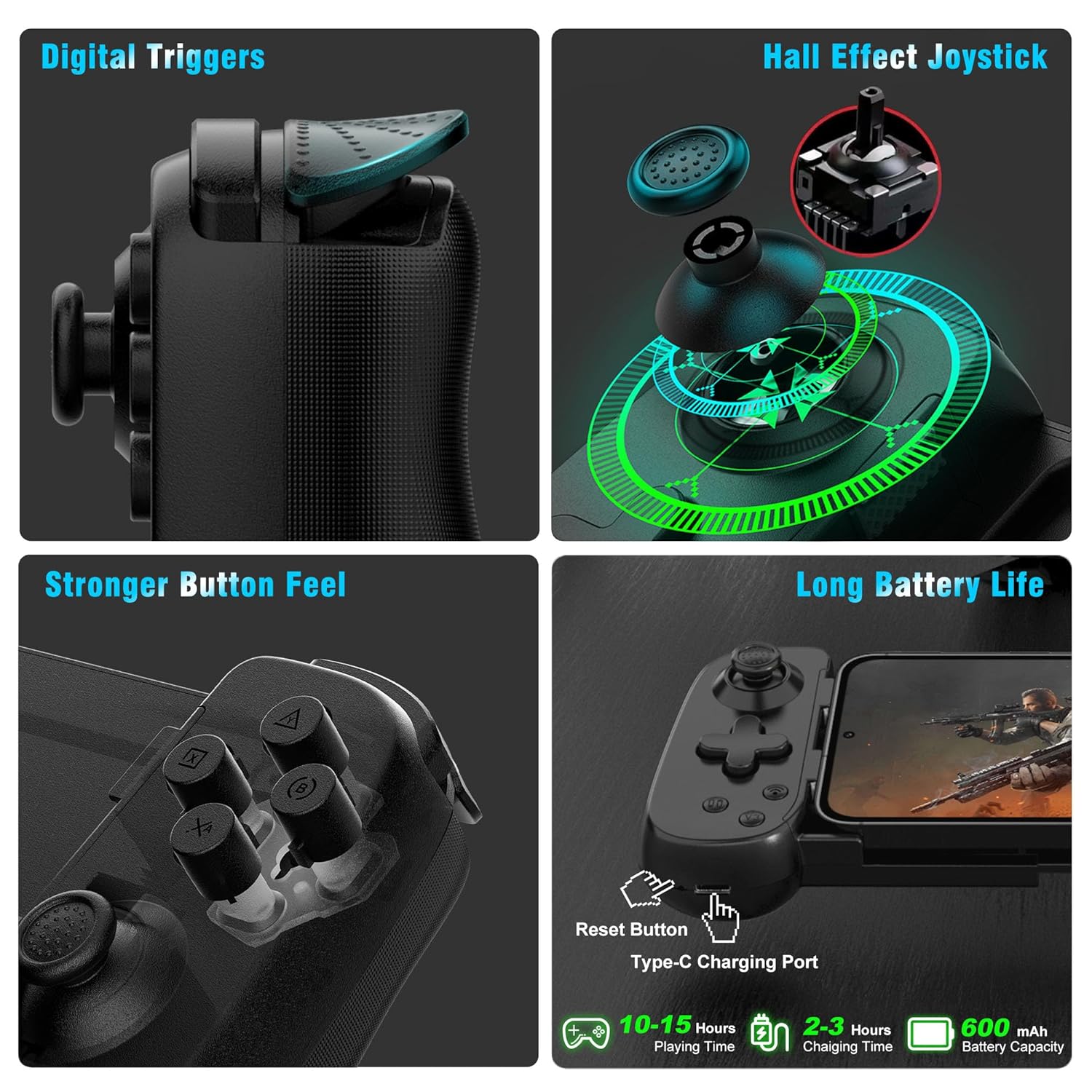
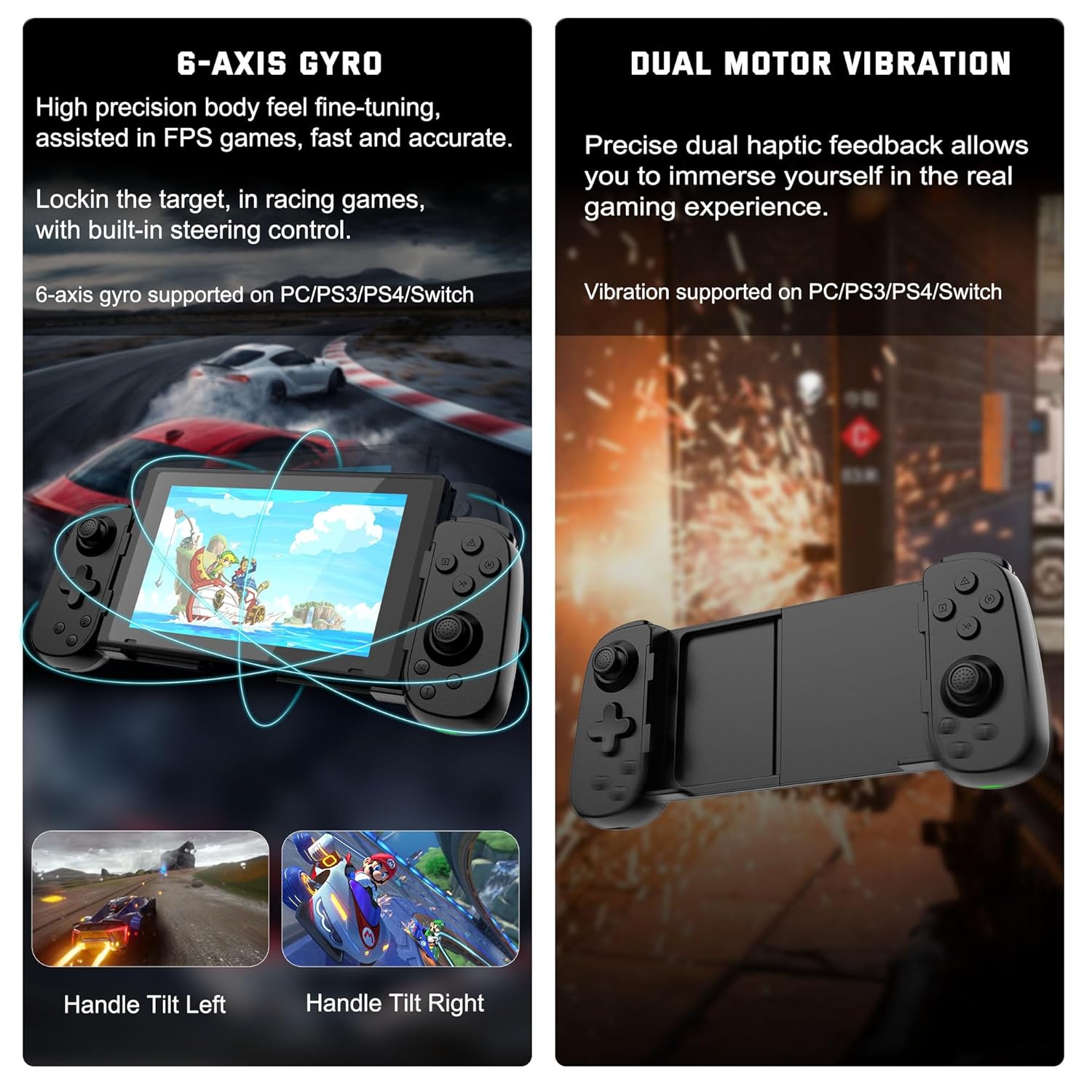
Wireless Controller for iPhone with Hall Joystick: The Hall effect joystick provide ultra precise control, No drift; It helps you gain dominant position of games faster and the performance and game experience has been improved qualitatively
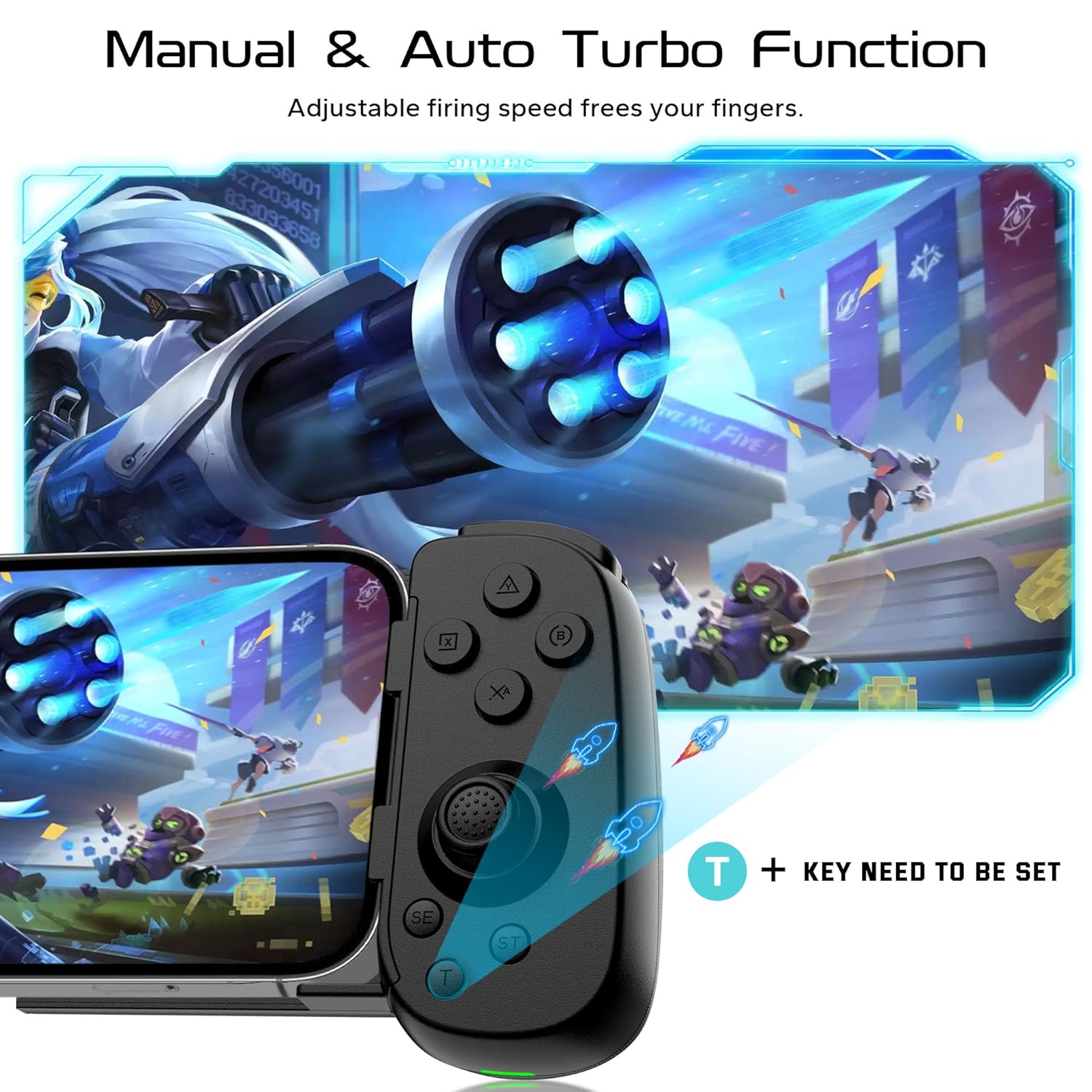
Adjustable Turbo Speed & Stable Wireless Connection: The gamepad joystick with manual & auto Turbo (3 levels of turbo speed), you can adjust the speed according to your need for the ultimate mobile gaming experience; This wireless game controller adopts Bluetooth 5.0 connection technology, stable connection, low latency
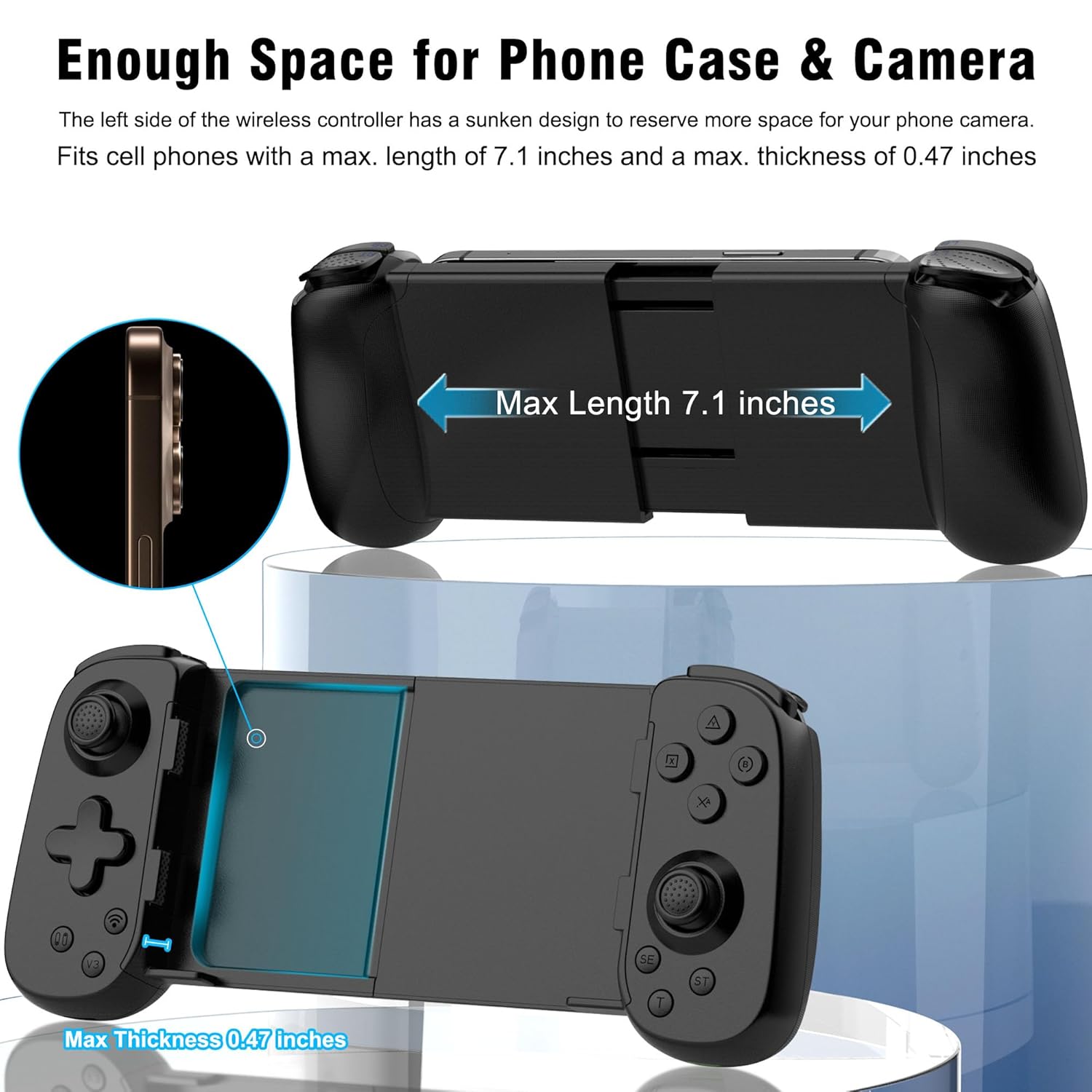
Stretchable Design & Support Phone Case: The scalability of controller for phone allows you to install a 127-180 mm cellphone, don’t have to remove your phone case every time; The game controller has clips on the left, right and bottom of the controller to securely hold the phone and prevent it from tilting and slipping
Tips for Cloud Gaming Controller: Please use this mobile gaming controller to play games on a high-speed and stable network, because the cloud games is more demanding on the network, high-speed & low-latency network environment is needed to reduce the delay caused by network congestion and enhance the gaming experience
Long Battery Life: This wireless controller built-in 600mAh high-performance rechargeable battery and it can be fully charged within 2-3 hours, allowing you can enjoy games longer without interruption
 Overview
 Languages
Discounted Games

Corsair Vengeance a5100 Gaming PC – Liquid Cooled AMD Ryzen™ 7 9800X3D, NVIDIA® GeForce RTX™ 5090 GPU, 64GB Dominator Titanium RGB DDR5 Memory, 2+2TB M.2 SSD – Black/Silver
Original price was: $ 6,500.$ 6,000Current price is: $ 6,000.





Reviews
Clear filtersThere are no reviews yet.