

Price: $599.99
(as of Dec 22, 2025 14:13:40 UTC – Details)
From the brand

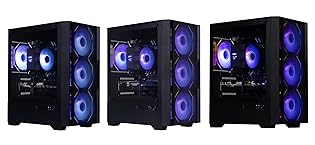
OKAMUS Gaming PC
OKAMUS specializes in efficient, fast, and high-quality computer products.
About us
Founded 2012, OKAMUS delivers high-quality, cost-effective desktops, laptops and peripherals. We offer reliable devices for gaming, design or work—blending top parts with great value. With high quality and responsive after-sales service, we prioritize buyers’ feelings, stay committed to innovation and user needs, growing with you.
How do we get started?
We began in 2012 with a passion for tech, aiming to build quality, cost-effective computing devices for diverse needs.
Why do we enjoy our work?
We love creating reliable, high-value tech that elevates users’ experiences—whether gaming, designing, or working smoothly.
Are our products of superior quality?
Yes. We handpick parts, fine-tune builds, with strict quality standards. Plus, we offer top-notch, responsive after-sales service.
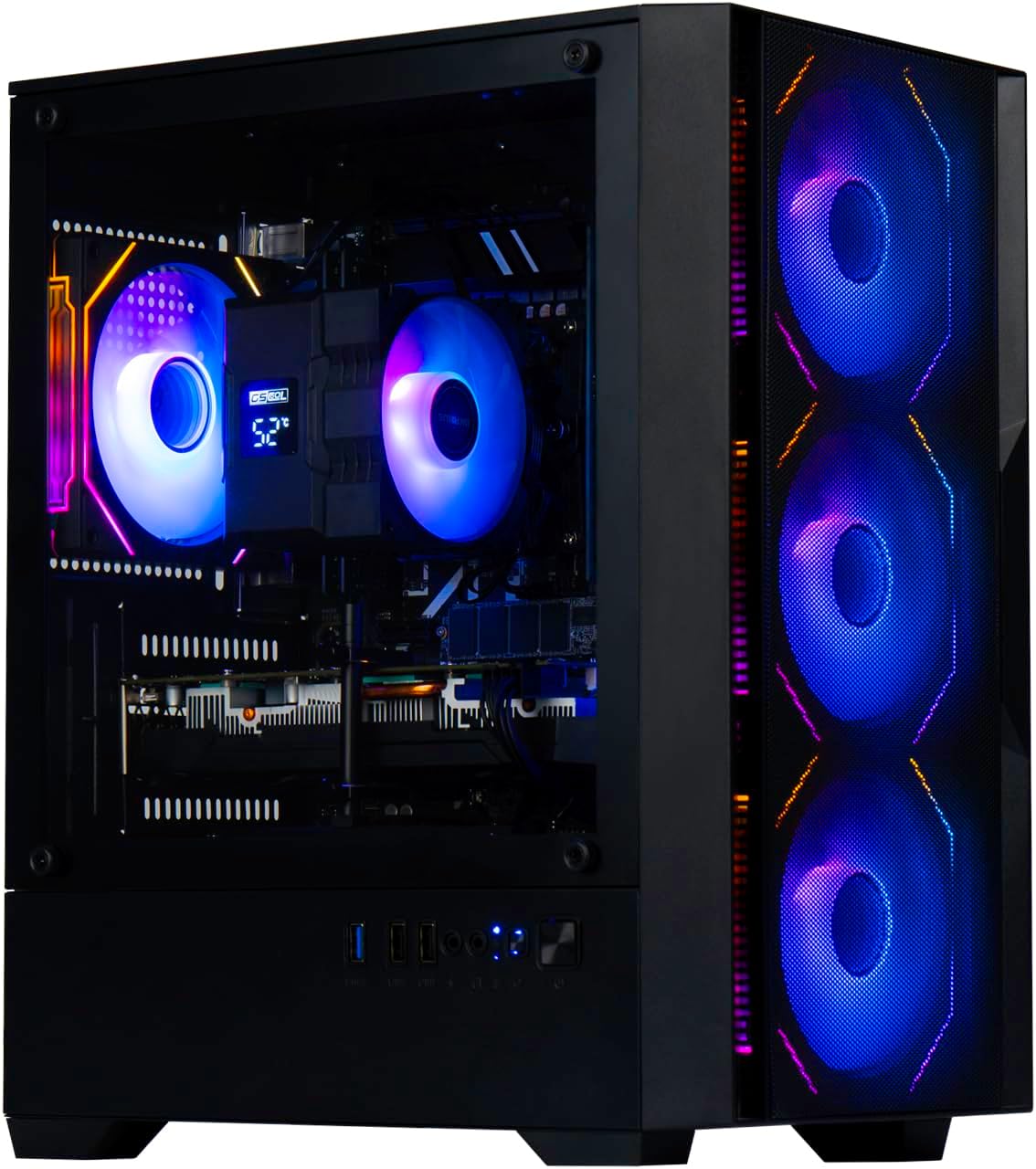
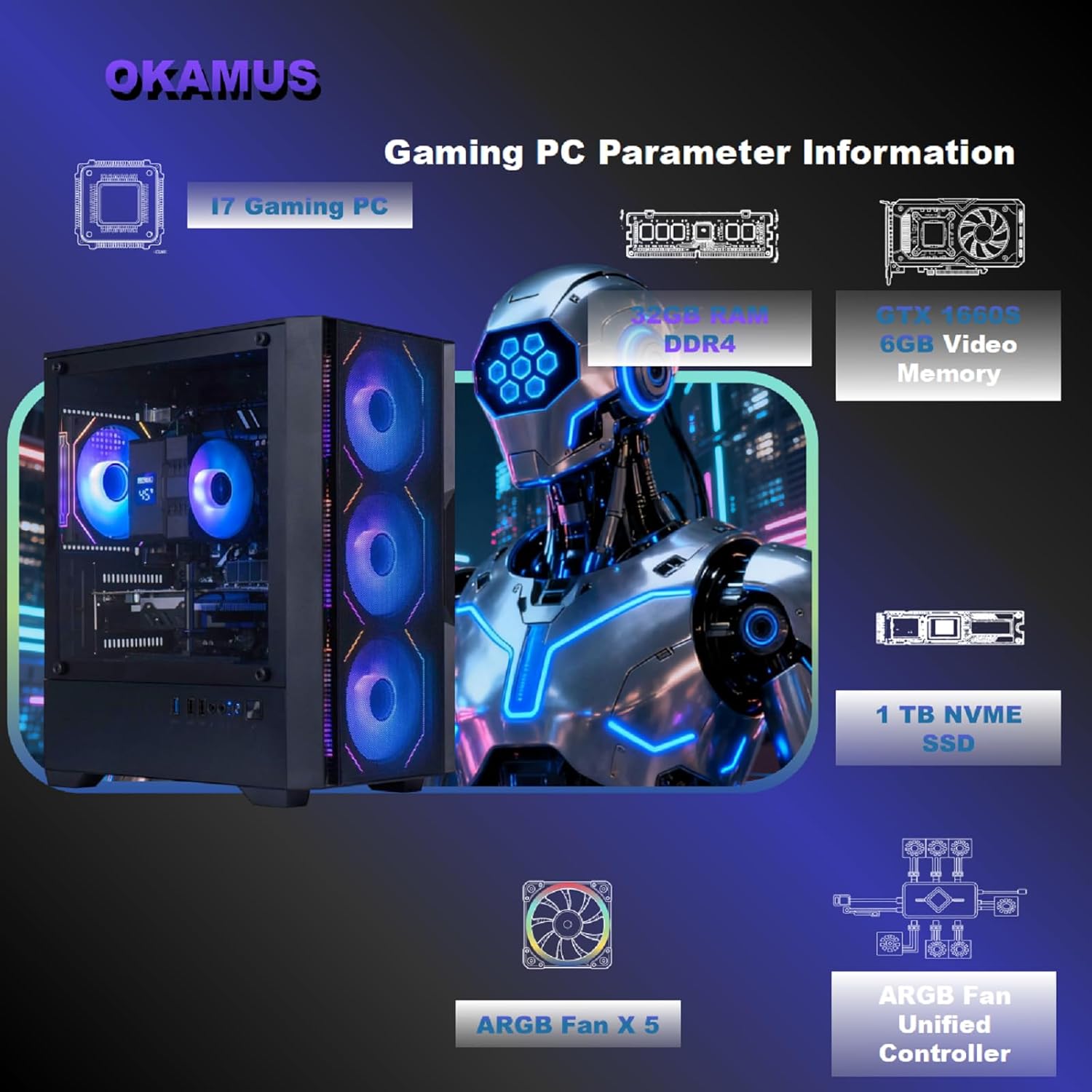
Equipped with i7 Power for Gaming & Work – Runs on a high-performance i7, delivering strong frame rates for 1080p gaming, and smooth performance in multitasking, streaming, or content creation.
Speed and Stability in One – Boot up fast and load games instantly with a 1TB NVMe SSD. Multitask with confidence using 32GB ECC DDR4 memory, known for its reliability in high-load scenarios.
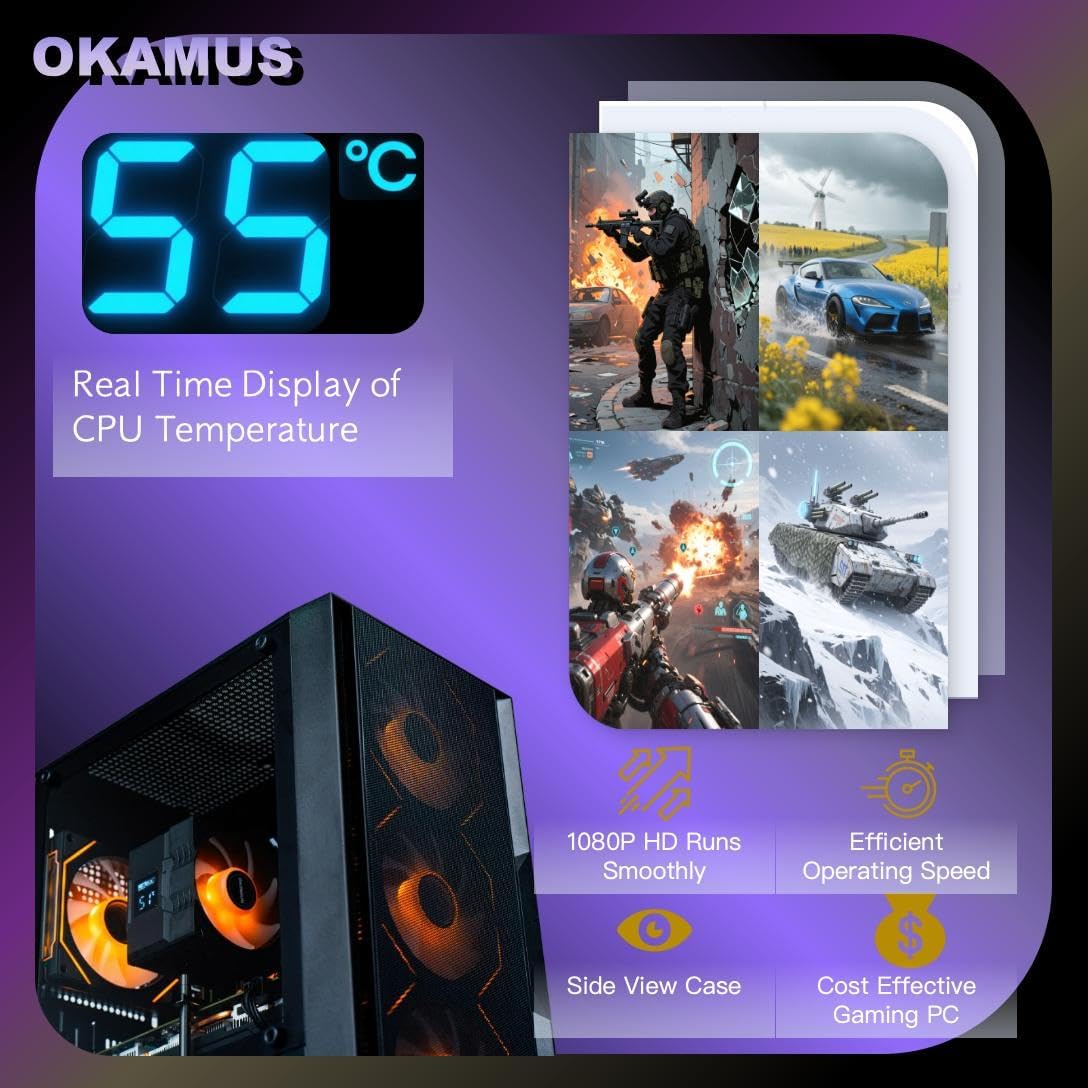
ARGB Lighting and Advanced Cooling – Stay cool under pressure with four black ARGB fans and a digital temperature display CPU cooler. Customize lighting effects easily using the included remote.
Balanced Build with Efficient Power Delivery – Pre-installed in a matte black case with wide-voltage 550W power supply, this system offers future upgrade space and steady operation under full load.
Safe Transit and Easy Installation – To protect the graphics card during shipping, it is pre-removed and individually boxed. Just plug it into the PCIe slot—no tools or prior experience needed.
 Overview
 Languages
Discounted Games

Corsair Vengeance a5100 Gaming PC – Liquid Cooled AMD Ryzen™ 7 9800X3D, NVIDIA® GeForce RTX™ 5090 GPU, 64GB Dominator Titanium RGB DDR5 Memory, 2+2TB M.2 SSD – Black/Silver
Original price was: $ 6,500.$ 6,000Current price is: $ 6,000.



![NexiGo PS5 Headphone Holder, [Minimalist Design] Mini Headphone Hanger with Supporting Bar, for Sony PlayStation 5 Gaming Headset, White](https://gameshopco.com/wp-content/uploads/2025/12/NexiGo-PS5-Headphone-Holder-Minimalist-Design-Mini-Headphone-Hanger-with-748x800.jpg)


Reviews
Clear filtersThere are no reviews yet.