

Price: $64.99
(as of Dec 27, 2025 03:56:33 UTC – Details)
Product description
The video showcases the product in use.The video guides you through product setup.The video compares multiple products.The video shows the product being unpacked. Macro Shortcut Keyboard N1 Merchant Video
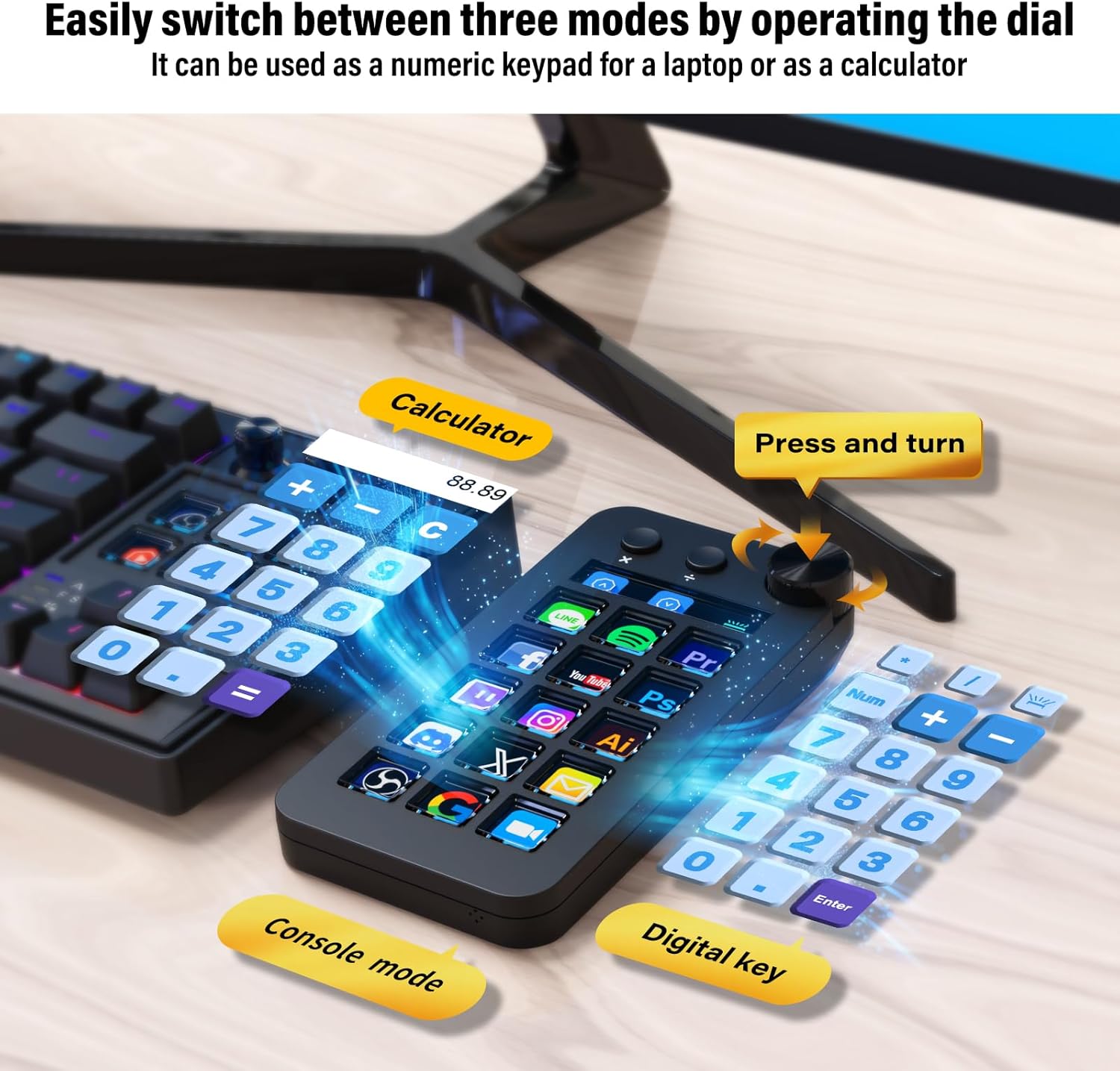
Easily switch between three modes by operating the dial
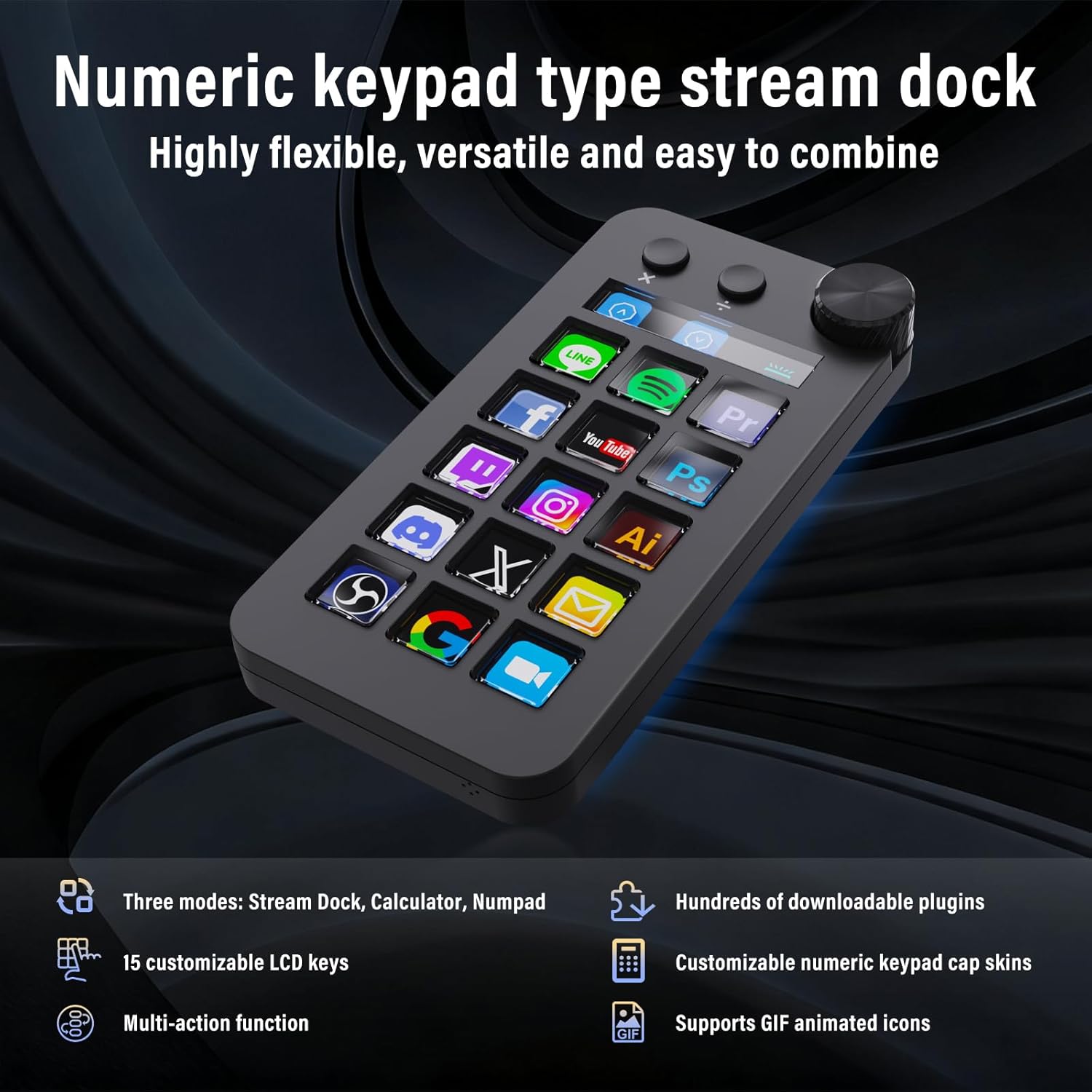
This Stream Dock has three modes: shortcut key mode, calculator mode, and numeric keypad mode. Shortcut key mode allows you to operate it with just one touch. It also can be used as a numeric keypad on a laptop or as a standalone calculator.
The video showcases the product in use.The video guides you through product setup.The video compares multiple products.The video shows the product being unpacked. Shortcut Keys, Calculator, and Numeric Keypad Merchant Video
The video showcases the product in use.The video guides you through product setup.The video compares multiple products.The video shows the product being unpacked. Highly customizable numeric keypad cap skins Merchant Video
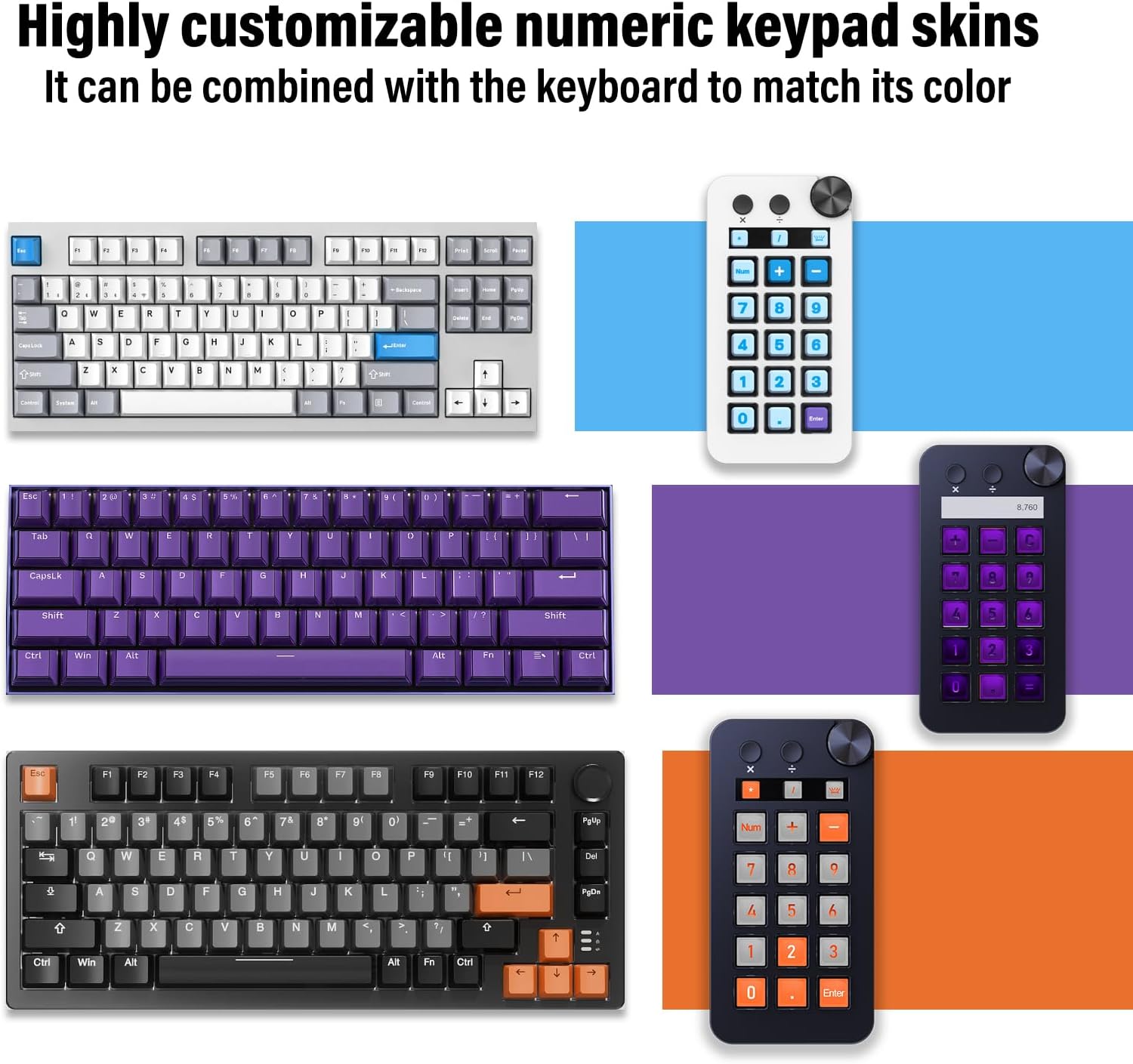
Highly customizable numeric keypad cap skins
The application space of this macro shortcut keyboard has 15 different cap skins available, which you can download and use to match the color of your keyboard.
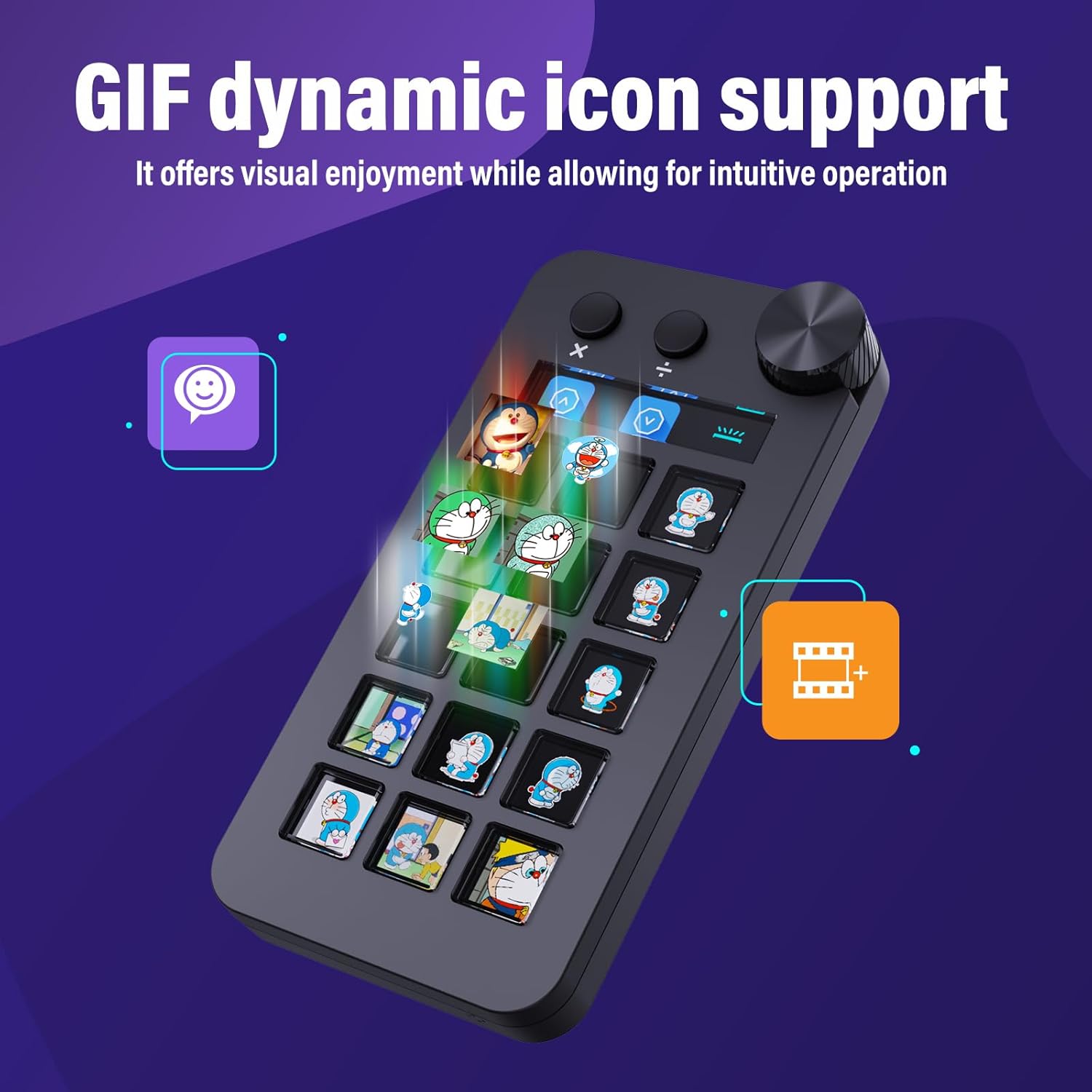
Support GIF dynamic icon
You can assign your favorite animation (GIF) to each LCD key and use it as an original icon, allowing for intuitive operation while creating a visually appealing experience.
The video showcases the product in use.The video guides you through product setup.The video compares multiple products.The video shows the product being unpacked. Support GIF dynamic icon Merchant Video
It can be used as a numeric keypad for a laptop or as a standalone calculator.
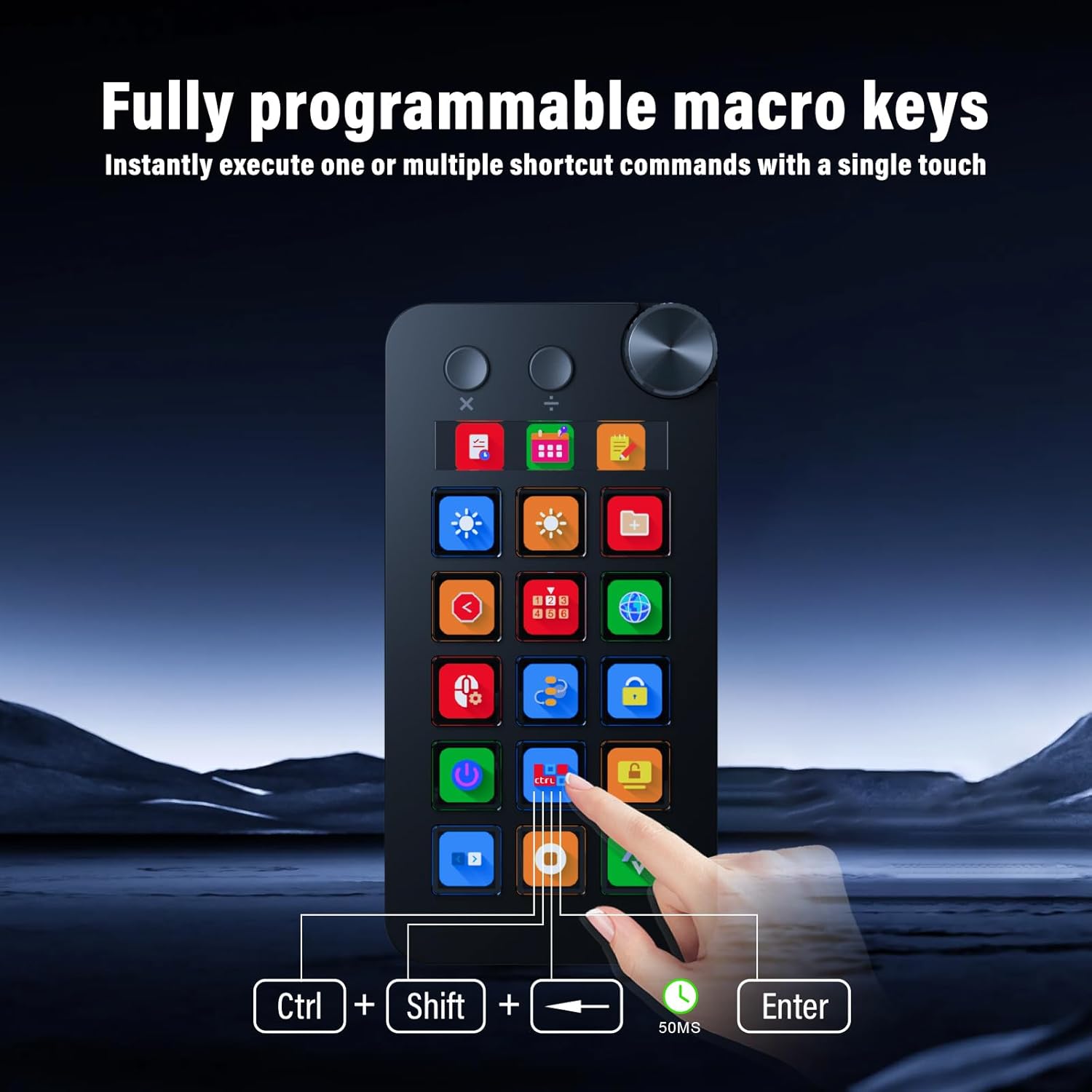
Programmable Macro Keys
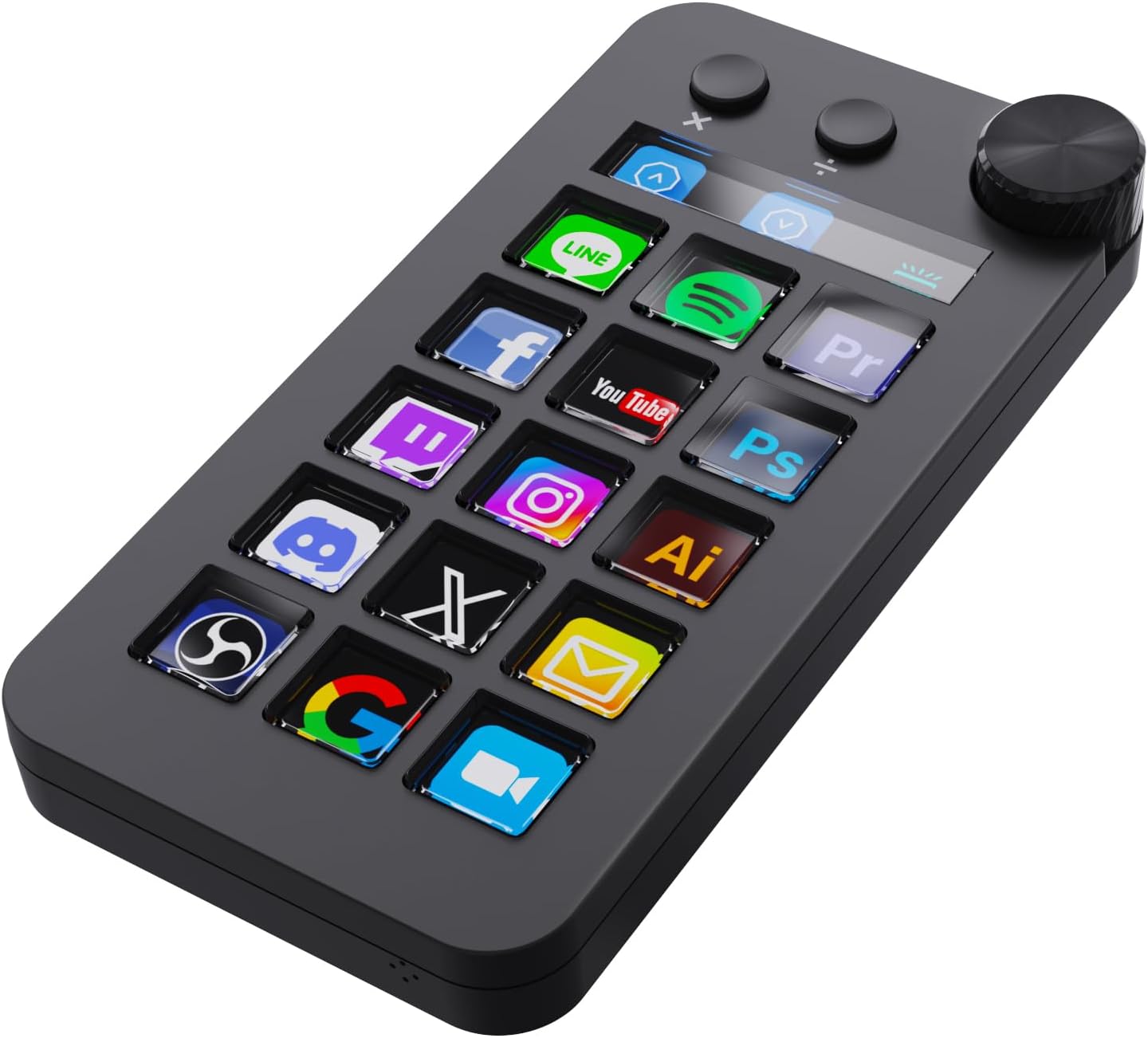
Drag and drop your desired operations onto the 15 customizable LCD keys and LCD bar, set their properties, and instantly execute one or more shortcut commands with one-touch automation.
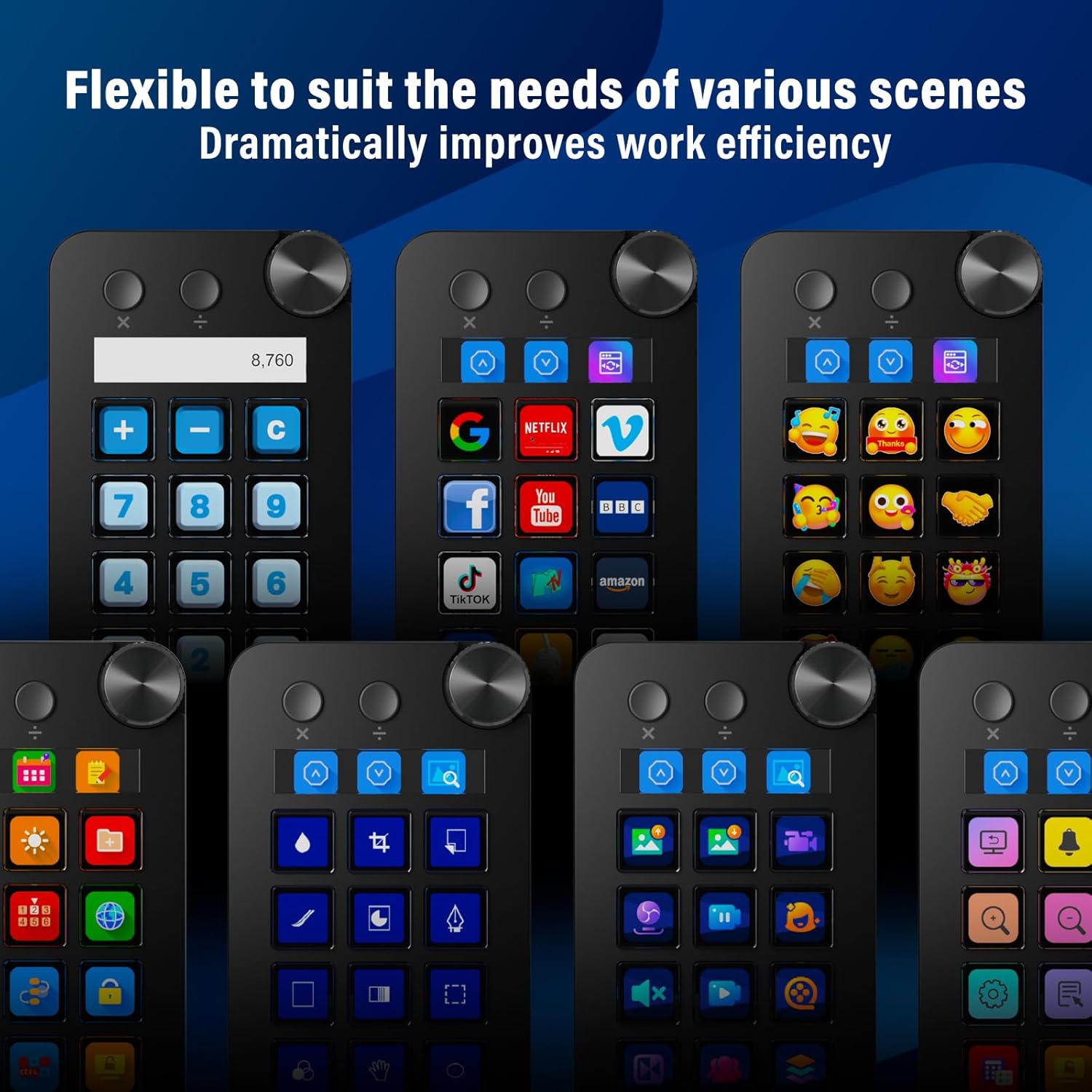
Flexible to suit the needs of various scenes
With just one touch, you can launch macros, enter text, open documents and websites, perform game combos, launch apps, edit videos, control media, switch scenes in OBS, hide sources, start streaming.
Just drag and drop,very convenient
Assign single or multiple actions to 15 customizable LCD keys and LCD bar by dragging and dropping the desired operations onto them and setting their properties.
Each LCD key can be freely customized
You can choose an icon downloaded from the icon library, or capture a part of a website logo or image and set it as the icon to make your button more recognizable and memorable.
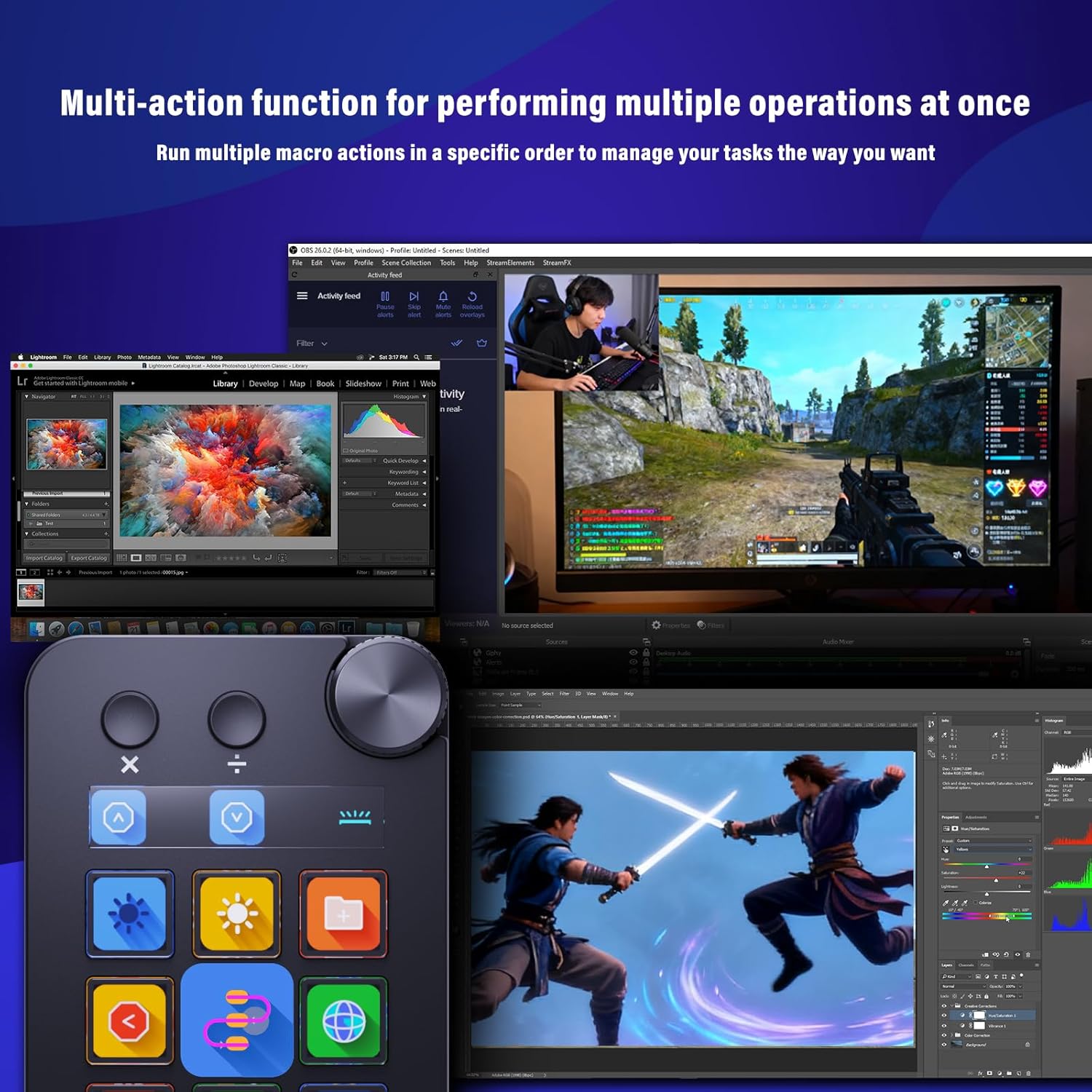
Multi-action function for multiple actions at once
By utilizing the “Action Flow” function of “Operation Flow,” you can execute multiple macro actions in a specific order and freely control tasks.
Hundreds of plugins and 60 icons available
The application space of this macro shortcut keyboard offers hundreds of plugins and 60 icon packs maks it not only a productivity tool but also a perfect desktop companion.

Product Specifications
Basic Configuration Specs Number of keys: 15 ,Number of knobs: 1 ,Voltage: 5V ,Connection method: wired , Interface: USB-C *1 Dimension 149.6*75.6*36.29(14.52)mm Material of Keycaps Acrylic Material of Top panel ABS Switch Silicone Material of knob Aluminum alloy Contents of the Box Streaing controller deck N1 *1, USB A to C port data cable*1, User manual *1 Operating Systems Windows 10 64bit or newer macOS 14.0 or newer Software name VSD Craft
【Left-Handed Numeric Keypad Device】This stream controller deck has three modes: shortcut keyboard, calculator mode, and numeric keypad mode. Shortcut key mode allows you to operate with one touch. Calculator mode allows for easy calculations. Numeric keypad mode supports comfortable numerical input.
【Freely Customizable】 Drag and drop your desired actions onto the 15 customizable LCD macro keys and LCD bar, then set their properties to assign single or multiple actions. Additionally, you can assign your own images, logos, screenshots (JPG, PNG), or animations (GIF) to each LCD key, enhancing button recognition and memorization. The large dial makes it easy to adjust the volume and button brightness.It provides solid support for fine adjustments during creative work such as video editing.
【Work Efficiently with One Touch】Instantly launch macro commands, enter text, open documents and websites, execute game combos, launch apps, edit videos, control media, switch OBS scenes, hide sources, start streaming, and more with just one touch. Additionally, the “Action Flow” feature lets you execute multiple macro actions in a specific order, giving you complete control over your tasks.
【Multiple Compatibility】This shortcut keyboard is compatible with both Windows and macOS. It works seamlessly with popular software such as OBS, PowerPoint, YouTube, Twitter, Discord, Excel, Word, Photoshop, and Adobe Premiere Pro, making your workflow even smoother.
【Meets a Variety of Needs】The application space of this macro keypad offers hundreds of plugins, including schedule reminders, weather, calendars, etc., making it not only a productivity tool but also the perfect desktop companion. In addition, there are 60 icon packs available for you to download and use according to your needs.
【Warranty Period】The product warranty period is 24 months from the date of purchase.
【Customer Support】If you are still unsure about the setup or operation of the product after reading the Quick Start Guide that came with it, you can get support in the following ways: 1. Watch the tutorial video for each operation below the product image. 2. Select the “Ask a Question” button to contact us.
 Overview
 Languages
Discounted Games

Corsair Vengeance a5100 Gaming PC – Liquid Cooled AMD Ryzen™ 7 9800X3D, NVIDIA® GeForce RTX™ 5090 GPU, 64GB Dominator Titanium RGB DDR5 Memory, 2+2TB M.2 SSD – Black/Silver
Original price was: $ 6,500.$ 6,000Current price is: $ 6,000.






Reviews
Clear filtersThere are no reviews yet.