



Price: $49.99
(as of Dec 17, 2025 00:25:52 UTC – Details)
Product description

1. Connect to PS5
When your controller hasn’t been paired with your current PS-5 console or has been connected to another console, Use a USB cable to connect the controller to your PS-5 console. During the connection, the system will automatically pair the controller. Once paired, remove the USB cable and press the HOME button. The controller will now connect wirelessly via Bluetooth. The LED light will stay on with a steady color, indicating it’s successfully connected to your console.
2. Connect to Windows PC
Turn off the controller. Press and hold the SHARE button and the HOME button together. Hold both for 3 seconds. The LED light will flash white. On your PC, open Bluetooth settings and start searching for devices. Find and click on “DualSense Wireless Controller” in the device list to pair. When paired successfully, the LED light will stay on.
3. Connect to Steam Deck
Turn off your controller. Press and hold the SHARE button and the HOME button together. Hold both for 3 seconds. The LED light will flash white. Open Bluetooth settings on your Steam Deck. Find and click on “DualSense Wireless Controller” to connect. Once connected, the LED light will stay on.
4. Connect to Mac
Open System Preferences > Bluetooth and turn Bluetooth on. With the controller off, hold SHARE + HOME (PS button) together for 3 seconds until its light flashes white. On your Mac, find “DualSense Wireless Controller” in the Bluetooth devices list, click Pair, and wait a few seconds—it’ll connect automatically.


Programming a Button:
HOLD the light button for 3 seconds (wait for the blink!)HIT the button you want to programPRESS the programmable key you’re assigning it to
Canceling a Programmed Button:
HOLD the light button for 3 secondsTAP the programmed key you want to clear

(1)Press and hold the LIGHT button + press down on the R3 joystick (right stick) to cycle through lighting modes (Rainbow, Solid Color, Color-Changing Breath, Solid Color Breath). Each press changes the mode.
(2)In Rainbow mode, press and hold the LIGHT button + press down on the L3 joystick (left stick) to pause the current rainbow lighting effect.
(3)In Solid Color mode, press and hold the LIGHT button + press down on the L3 joystick (left stick) to change the light color.
(4)In Color-Changing Breath mode, press and hold the LIGHT button + press down on the L3 joystick (left stick) to pause the current breath state. Press again to resume the Color-Changing Breath mode.
(5)In Solid Color Breath mode, press and hold the LIGHT button + press down on the L3 joystick (left stick) to switch between different Solid Color Breath states.
(6)In Rainbow, Solid Color, or Color-Changing Breath modes, press the LIGHT button + UP/DOWN on the D-pad to adjust the RGB brightness. Each press increases or decreases the brightness level.
(7)Press and hold the L3 and R3 joysticks for 3 seconds to turn the RGB lights on or off. The lighting settings are saved automatically, so your preferences will be remembered next time you use the controller.

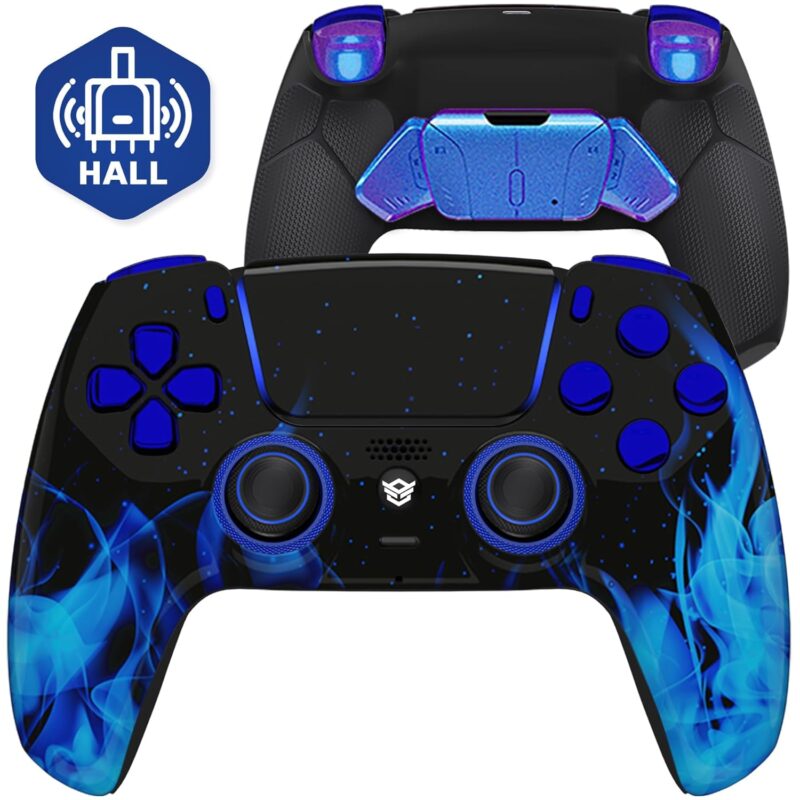
【Compatible Devices & Battery Life】: Wlireless Controller for PS5/Anroid/IOS/PC, Equipped with1500mAh battery to extend the game time (about 8-10 hours)
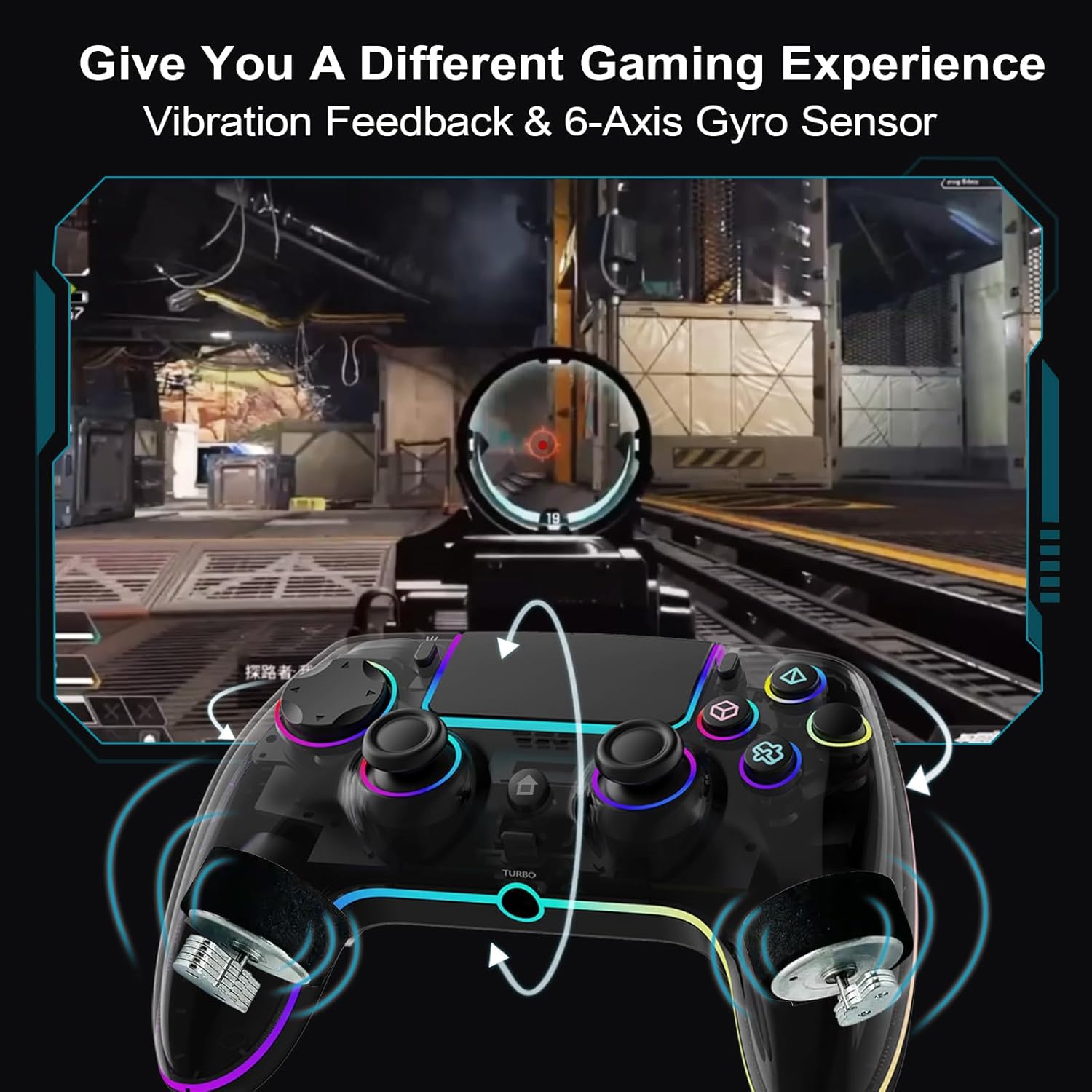
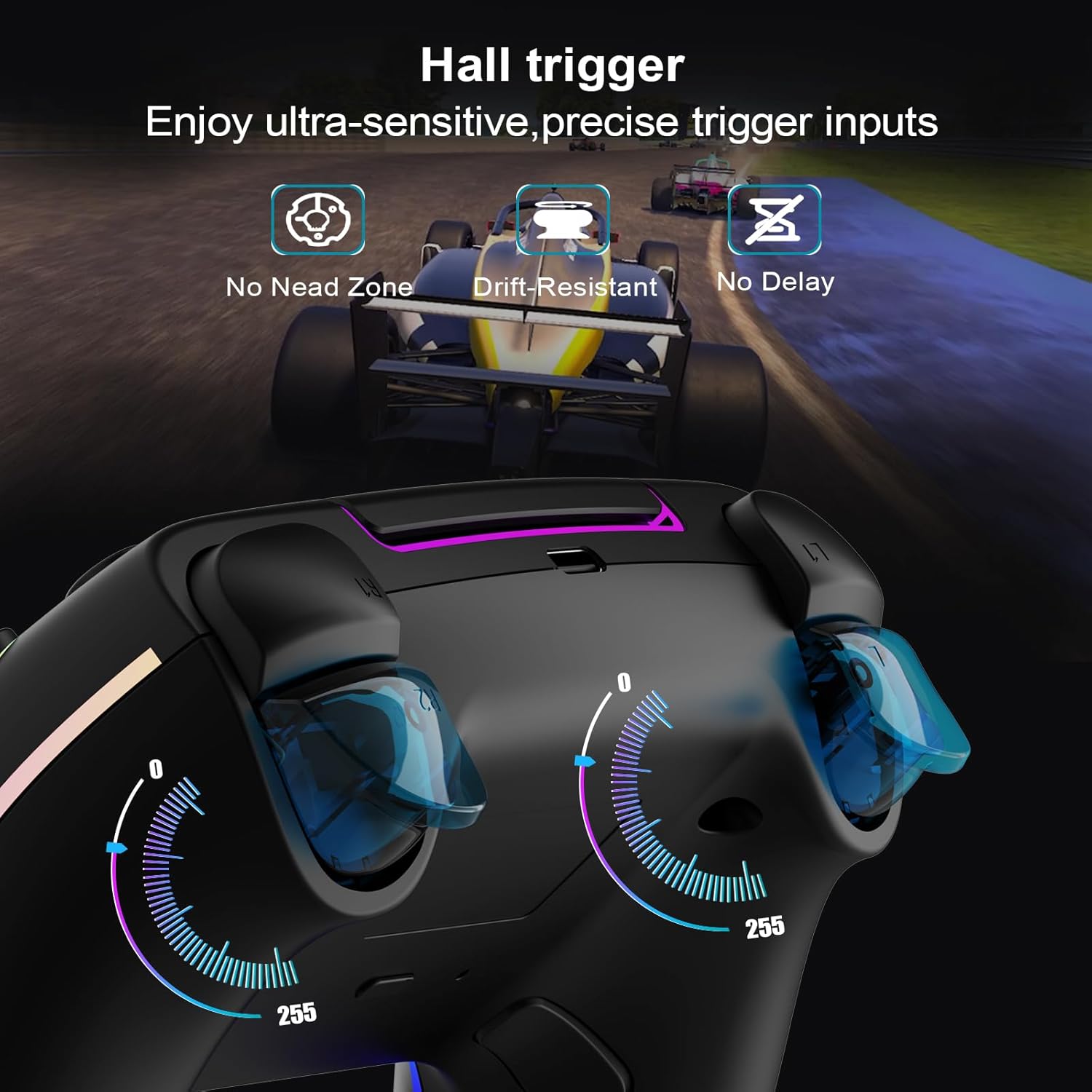
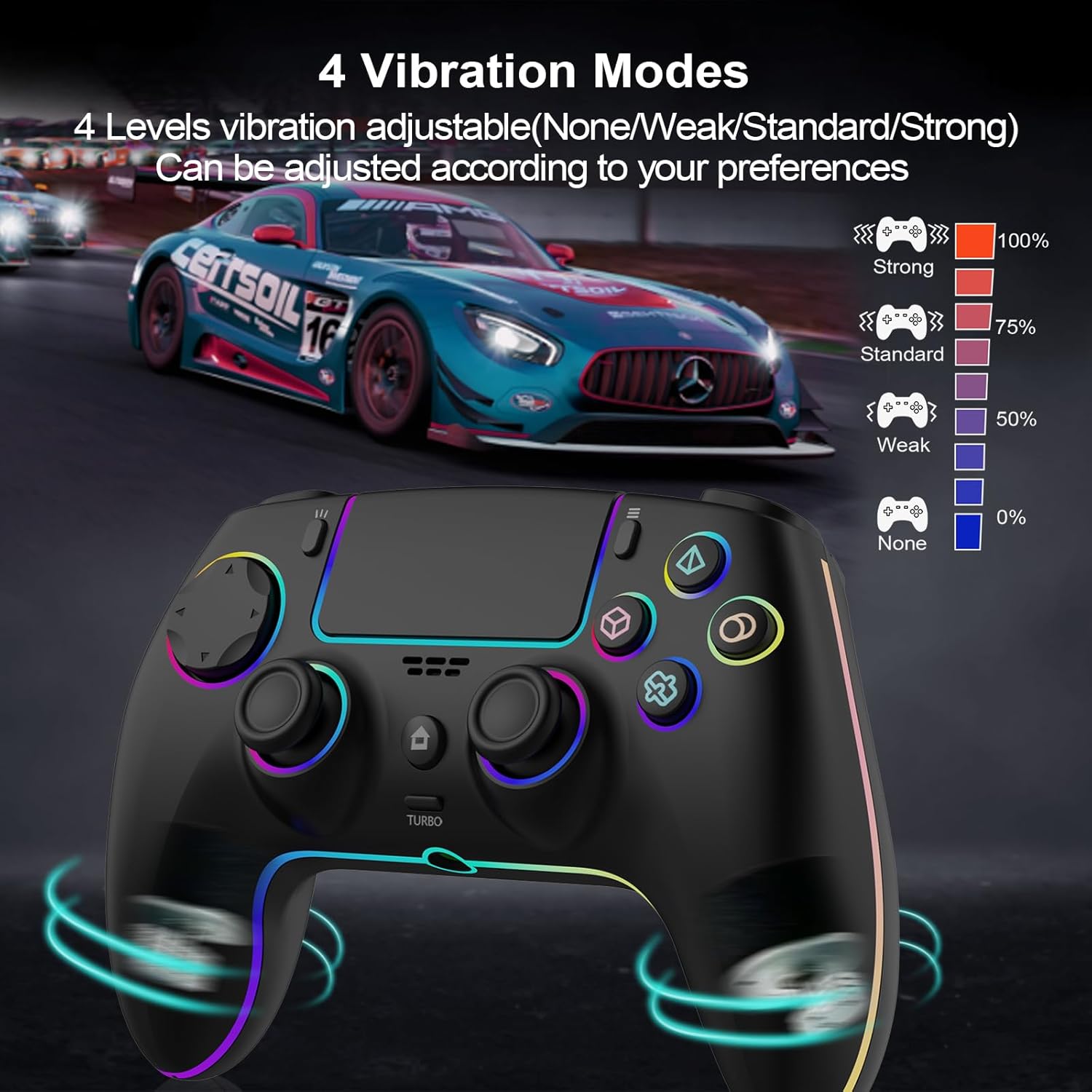
【Built-in speaker and Precise Control】 : The 6-axis gyro sensor and Hall trigger allows for accurate motion control, enhancing gameplay precision, while dual vibration motors and a built-in speaker deliver realistic vibrations and sound effects
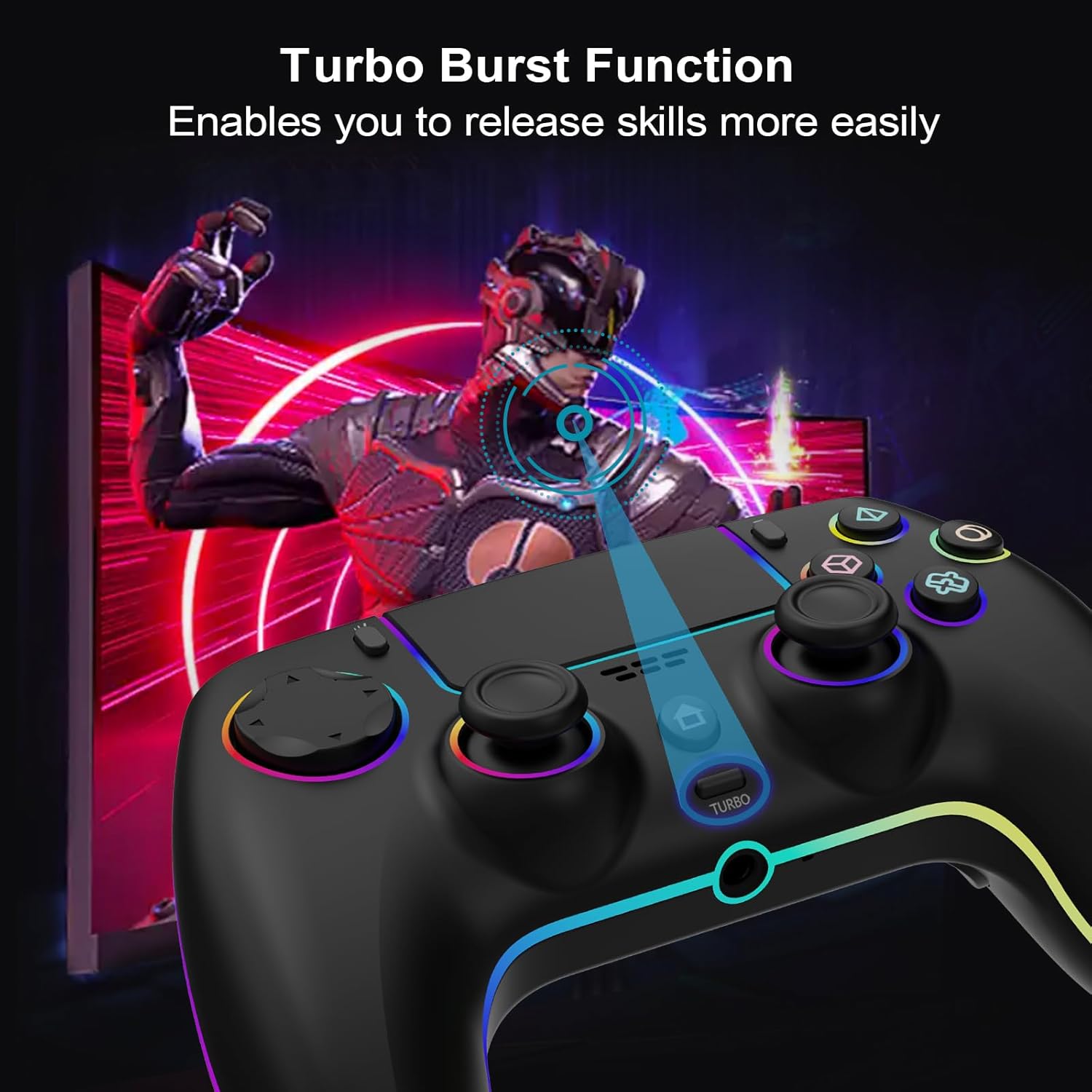
【Programmable Features and TURBO】: Customize button mapping and turbo functions to suit your preferences for optimal control
【Cool 8-color LED light with 3 modes】: With 7 different colors of cool LED light and a colorful LED light, there are also 3 light effect modes, and you can also turn off RGB
【Ergonomic and non-slip design】: Based on ergonomic design, easier to grip than other controllers. Anti-slip design, so you don’t have to worry about sweaty hands affecting your gaming experience.
【Simple connection】: Connect your PS5 controller by first using a USB cable to pair it with the console, then remove the USB cable and press the HOME button to establish a wireless connection.
 Overview
 Languages
Discounted Games

Corsair Vengeance a5100 Gaming PC – Liquid Cooled AMD Ryzen™ 7 9800X3D, NVIDIA® GeForce RTX™ 5090 GPU, 64GB Dominator Titanium RGB DDR5 Memory, 2+2TB M.2 SSD – Black/Silver
Original price was: $ 6,500.$ 6,000Current price is: $ 6,000.


![PlayStation 4 Slim 500GB Console [Discontinued] (Renewed)](https://gameshopco.com/wp-content/uploads/2025/12/PlayStation-4-Slim-500GB-Console-Discontinued-Renewed-1200x800.jpg)



![The Last of Us Part II - Standard Edition [PlayStation 4] (Uncut)](https://gameshopco.com/wp-content/uploads/2025/12/The-Last-of-Us-Part-II-Standard-Edition-PlayStation-674x800.jpg)


Reviews
Clear filtersThere are no reviews yet.